

Hulu’s plans-and-prices page now puts one line above every price table: “The following prices are for new subscriptions as of September 23, 2026. If you signed up for a Hulu subscription prior to this date, you will see a price change in your billing cycle on or after October 21, 2026.”
The words doing the work there are “on or after.” October 21 isn’t anyone’s charge date. Your first higher charge lands on your own billing date, the first one that falls on or after Oct 21. If you’re billed on the 5th of the month, for instance, that’s Nov. 5, and until then you can still change plans, pause or cancel before the higher price posts.
The new monthly list prices for subscribers billed directly by Hulu are $12.49 for Hulu (With Ads), $21.49 for Hulu Premium, $12.99 for the Disney+, Hulu Bundle and $21.99 for the Disney+, Hulu Bundle Premium; Hulu (With Ads) is also $124.99 a year on annual billing. News reports in September put the earlier prices at $11.99, $18.99 and $19.99 for With Ads, Premium and Bundle Premium. Your own price-change email or billing history is the authority on what you were paying.
October 21 vs. Your Billing Date: When the Higher Charge Shows Up
Two values on your Hulu Account page decide everything else. Under Overview, “Your Next Charge” shows the date of your next bill; your billing history shows what past charges came to. Under Payment Information, you’ll see who bills you.
If your billing date has already come around since Oct 21, the new price has already been applied to that charge, and anything you change now is about the next one. Canceling stops future charges and switching plans changes them, but neither undoes one that has already posted. If that’s where you are, our guide to which companies refund a subscription renewal, and by when walks through how renewal refunds work and what to ask for; it makes no promise about Hulu.
The billing party decides where you act. If Hulu bills you, everything below happens on your Hulu Account page. If you pay for a bundle through Disney+, Hulu says to change or cancel it from your Disney+ account page. If Apple, Amazon, Roku, Google, your phone or cable company or another partner bills you, you manage the subscription through that partner, and the plans open to you may differ; Apple-billed subscribers can’t switch to a bundle through Hulu.
The prices and steps here are for Hulu-billed on-demand plans. Hulu + Live TV and partner-billed accounts have their own plans and notices, so check Hulu’s plans and prices page and your biller for those.
What Each Plan Switch Costs at Hulu’s New Prices
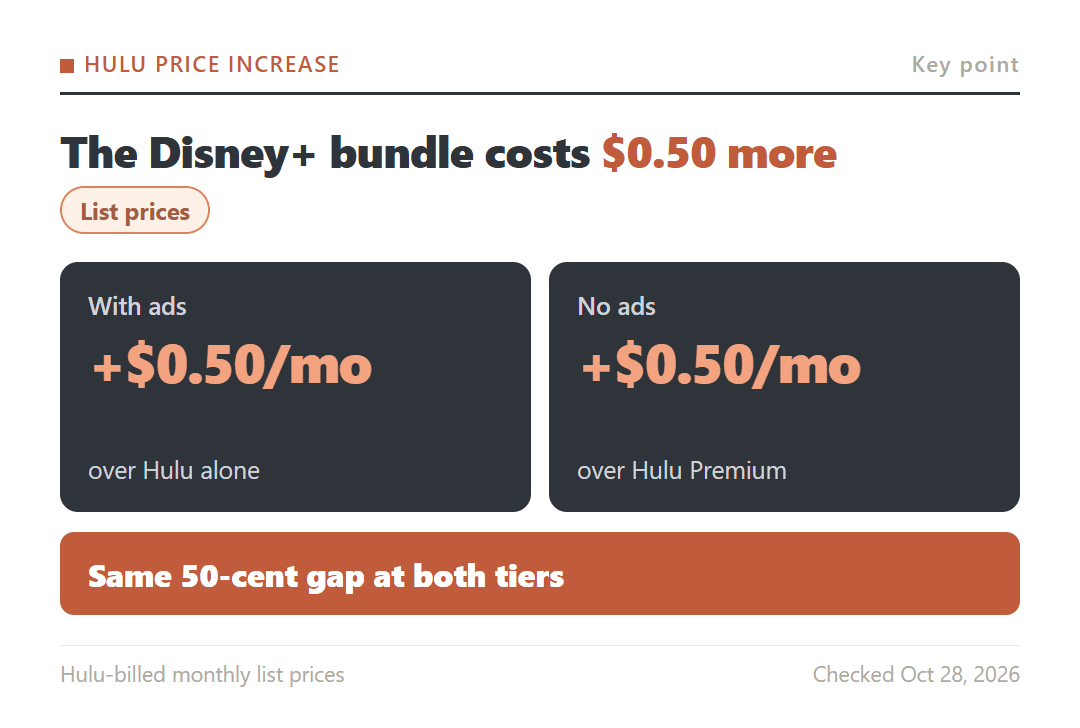
At these list prices, the Disney+, Hulu Bundle costs 50 cents a month more than Hulu alone, at both tiers: $12.99 against $12.49 with ads, and $21.99 against $21.49 without. Switching down to the With Ads plan is the bigger swing. Moving from Hulu Premium to Hulu (With Ads) takes the monthly price from $21.49 to $12.49, $9.00 less.
| If you’re on | And you switch to | Monthly change |
|---|---|---|
| Hulu Premium, $21.49 | Hulu (With Ads), $12.49 | $9.00 less |
| Hulu Premium, $21.49 | Bundle Premium (no ads), $21.99 | $0.50 more, adds Disney+ |
| Hulu Premium, $21.49 | Bundle (with ads), $12.99 | $8.50 less, adds Disney+ |
| Hulu (With Ads), $12.49 | Bundle (with ads), $12.99 | $0.50 more, adds Disney+ |
| Hulu (With Ads), $12.49 | Annual Hulu (With Ads), $124.99 a year | About 10 months’ price, no refund |
None of these is the right plan for every household. The 50-cent bundle is only a bargain if you’d actually watch Disney+, and the $9 drop only works if you can live with ads; the table gives you the price of each choice, not the choice.
Your Hulu plan at the new prices: what it costs and when it starts
For Hulu-billed monthly plans started before Sept. 23, 2026. Pick your plan and one you're considering, then enter the day of the month shown under Your Next Charge.
If your result doesn't match your bill or notice, check the exact figure on Hulu's plans and prices page. Rules as of 2026-10-28
Show the breakdown and basis
—
—
First higher charge: your billing day in October if it is the 21st or later, otherwise in November. Difference: the other plan's list price minus yours, times 12 for a year.
Values are calculated in your browser and are not saved or sent anywhere.
To switch on a Hulu-billed account, go to your Account page, find Your Subscription, select MANAGE PLAN, toggle the plan you want from off to on, and select Review Changes. Read that screen before you confirm, because it’s where you’ll see when the new plan and price start for your account. If anything is unclear, ask before you confirm:
My next Hulu charge is on [date]. If I switch from [current plan] to [new plan] today, which billing date will the new plan’s price first apply to, and what will that charge be?
Annual Billing Works Only If You’d Stay 11 More Months
Hulu (With Ads) on annual billing is $124.99 a year. At $12.49 a month, ten months comes to $124.90 and a full year to $149.88, so annual saves $24.89 if you keep Hulu all twelve months. The catch is in Hulu’s annual billing page: “Refunds are not issued when you cancel an annual subscription.”
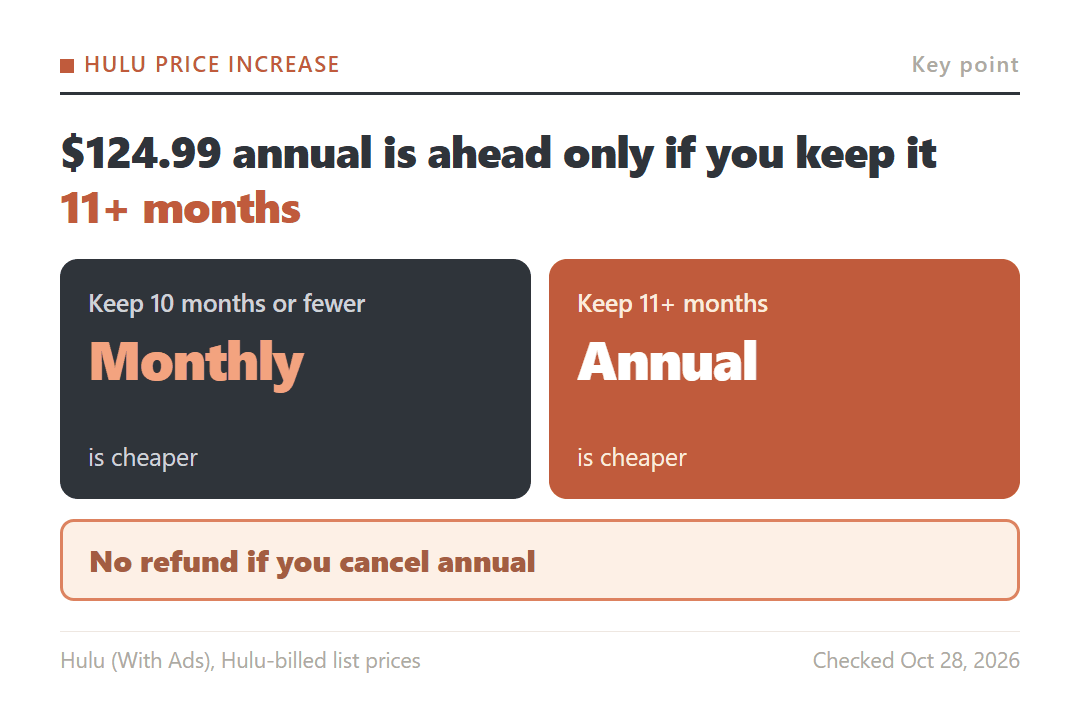
That makes the test simple at today’s prices: if you’d keep Hulu (With Ads) at least 11 more months, annual costs less than paying monthly. Keep it six months and monthly would have cost $74.94, while the annual charge stays $124.99 with nothing back.
A few rules come with it. Annual billing is only offered on Hulu (With Ads) and only to subscribers not billed by a third party. If you’re on monthly With Ads, switching charges you immediately; if you’re on Premium, the annual With Ads charge comes when your current billing cycle ends, and the downgrade takes effect then. Once you’ve been charged for a year, you can’t switch to a monthly plan, you can’t pause, and the plan renews automatically a year after your first billing date unless you cancel first. The details are on Hulu’s page on paying annually.
Already Paying for Disney+? The Bundle Won’t Stop That Bill
The 50-cent bundle looks most tempting to people who already pay for Disney+ on its own. Here’s the trap. Hulu’s help center says: “If you already had a Disney+ and/or ESPN subscription when you signed up for a bundle plan through Hulu, you’ll continue to be billed separately for those subscriptions until you separately cancel them.”
So switching to the bundle through Hulu, by itself, adds a second Disney+ to your bills. You have to cancel the separate Disney+ subscription yourself, through whoever bills it. Only after that does the math work: your separate Disney+ bill plus your Hulu bill, minus the bundle price, is what you save each month.
Pause or Cancel Before the Date
If the answer is to stop paying for Hulu, cancel before your next charge date. On a Hulu-billed account: Account page, select Cancel under Your Subscription, choose Continue to Cancel if Hulu offers a pause, then Cancel Subscription. Hulu says you’ll “continue to have access to Hulu or your bundle plan until the end of your current billing cycle, but will not be charged moving forward.”
Afterward, check Overview again. If it still shows “Your Next Charge,” the account is still active; a canceled one shows the status “Your subscription is about to cancel” instead. Keep the confirmation email.
Pausing doesn’t get you out of the new price. A pause lasts up to 12 weeks and starts on the first day of your next billing cycle; then Hulu resumes automatically and bills monthly again. It isn’t available to annual subscribers, most third-party-billed subscribers (Amazon and Roku billing are exceptions), or people paying with gift cards or on a promotion.
Sources: Hulu Help Center, Hulu plans and prices, Changing your plans and add-ons, Paying for Hulu annually, Can I put my Hulu subscription on pause?, How to cancel Hulu and Managing a Disney-billed account, checked Oct. 28, 2026.
What Your Next Charge Date Settles
I’d rather spend two minutes on the Account page tonight than find out which plan I’m on from the charge itself. The date under “Your Next Charge” is the only deadline in this whole price change that applies to you specifically, and every move above, switching to With Ads, adding Disney+, going annual, pausing or canceling, is something to settle before it.
If Disney+ is already on your card, cancel it separately the same evening you switch to a bundle, or the 50 cents turns into a second full subscription. And go annual only if you’re confident about the next 11 months, since that charge doesn’t come back. Either way, the choice belongs on your calendar before that date, not on your statement after it.
Photos and icons in this post are illustrations made for explanation; they do not show real places, products or people.